Leafy Corner How to Repot Plants
Move stock into new pots and reset moisture schedules safely.
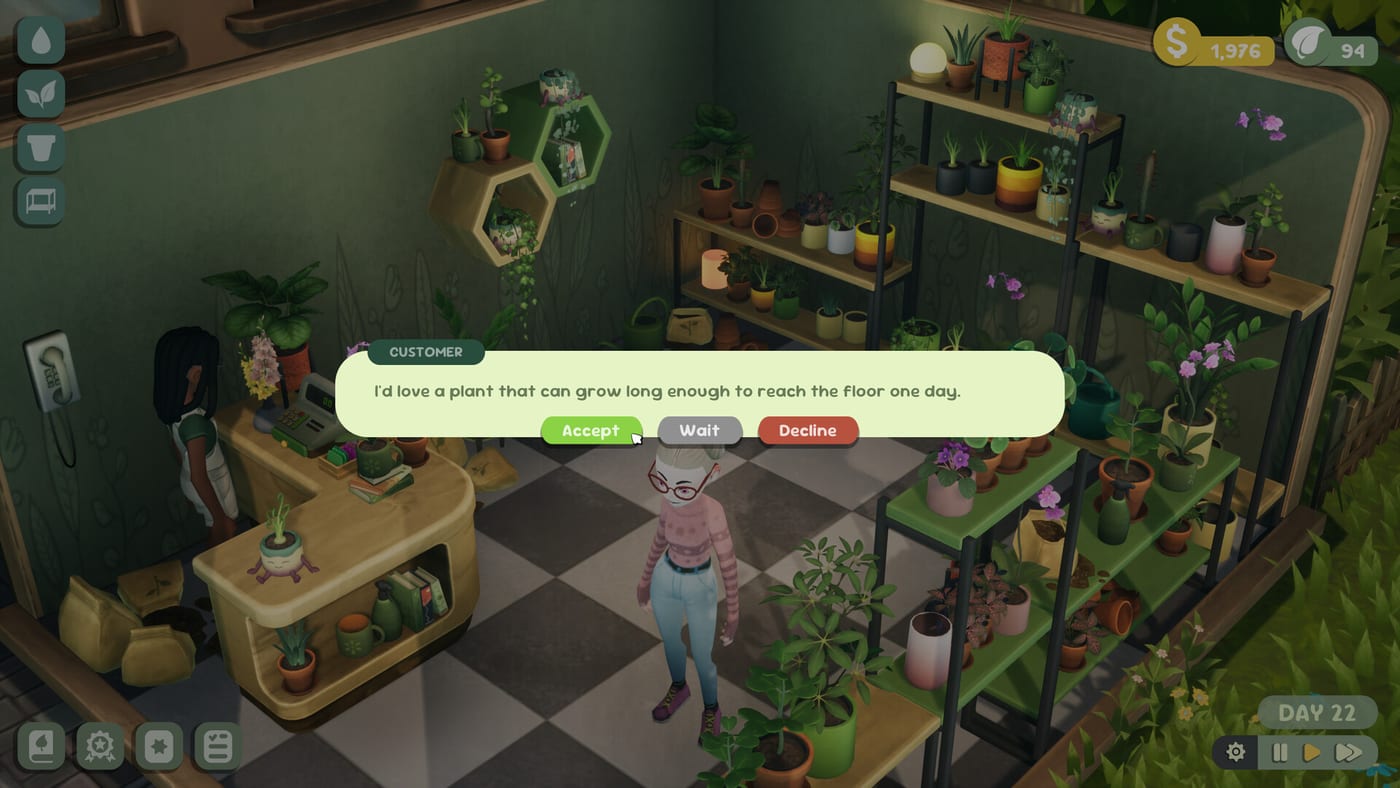
Why repotting exists in a cozy shop sim
Real plant shops repot stock when roots outgrow containers or when a prettier pot improves display value. Leafy Corner mirrors that habit in a gentle way: you can move a plant into a different pot from your Pots and Furniture inventory, refresh how the shelf looks, and reset watering needs so moisture timers start clean. Fireline Games keeps the action cozy—no root-trimming minigame, no sudden plant death from a missed QTE.
Repotting matters most after you unlock decorative pots during How to Earn Plant Tokens sessions or when a mature plant sits in a starter container that clashes with your Shop Expansion layout. Use it deliberately, not every day, or you will spend more time shuffling pots than serving customers.
When to repot vs when to wait
Repot when a plant graduated to mature growth and deserves a showcase pot near the entrance. Repot when you want to reset an overwatered schedule after learning How to Water Plants—moving to fresh soil in-game clears the cozy moisture clock without deleting the species. Repot when a task or customer request hints at presentation upgrades.
Wait when whites are active on multiple pots—finish a watering pass first. Wait when tokens are tight and you still need new species from How to Unlock Plants. Wait when you are mid-tutorial; finish Getting Started before heavy rearranging.
Step-by-step repot flow
- Pause if needed — Open Pause and Shop Layout so customers do not wander while you fuss with shelves.
- Select the plant — Click or confirm on the pot you want to move. Read the info panel for growth stage and pet-safe flags from the Plants hub.
- Choose a destination pot — Pick an empty owned pot or swap with another display slot. Match pot size to plant size so customers read labels correctly during How to Help Customers scenarios.
- Confirm the move — The plant transfers; watering needs reset to the fresh container baseline.
- Water on schedule — Whites will return on the plant’s normal rhythm—not instantly. Track blues after repotting day to avoid old overwatering habits.
Repotting and watering reset
Preview coverage and player notes describe repotting as a way to reset watering needs after mistakes or long neglect. That does not grant immunity from future rot—blue droplets still mean stop watering. Pair repotting with Reduced Watering if you want fewer whites after a reset, especially on Steam Deck sessions.
Succulents received higher initial moisture in demo patch 1.0.2—if you repot desert species, expect slightly different starting levels than before the patch. Cross-check Updates if behavior feels off post-launch.
Display strategy after repotting
Place repotted heroes where camera routes from Controls catch droplets easily. Variegated stock belongs near the door—see Variegations. Pet-safe highlights should sit where apartment browsers linger—see Pet-Safe Plants.
Avoid repotting everything into mug pots at once unless your task list rewards variety; one signature display beats twelve identical containers.
Reputation and customer impact
Repotting alone does not spike reputation, but cleaner displays help browsers stay longer. Orders referencing pot color or size may require specific containers unlocked via the compendium—repot into qualifying pots before accepting structured requests from How to Complete Orders.
Common mistakes
Repotting during active whites on every shelf — Finish watering first; moving thirsty plants spreads chaos across routes.
Swapping into too-small pots — Size mismatches confuse customer trait checks tied to mature growth stages.
Repotting to fix rot repeatedly — Rot comes from overwatering blues, not pot identity. Learn droplet colors instead of endless shuffling.
Ignoring token costs — Pots cost Plant Tokens; repotting into premium containers before funding new species slows catalog breadth.
Demo vs full game
The demo includes a handful of pot unlocks—enough to practice one or two repots, not a full redesign. Launch at $9.99 opens the wider catalog for serious layout projects. Demo habits transfer even when saves do not—read Out Now for launch context.
Related guides
- Pause and Shop Layout — freeze time while rearranging
- Pots and Furniture — unlock containers worth repotting into
- How to Water Plants — droplet colors after reset
- Shop hub — decor pacing with expansion
Frequently Asked Questions
Quick answers for Leafy Corner players.
Does repotting reset watering in Leafy Corner?
Yes. Moving a plant to a new pot resets its watering needs so moisture timers start fresh. You still must follow droplet colors from [How to Water Plants](/guides/how-to-water-plants/).
Do I lose plant growth when repotting?
Repotting changes the container and watering schedule, not the species unlock. Mature growth stages carry over in normal cozy pacing.
When should I repot for display?
After unlocking showcase pots and when mature plants outgrow starter containers near the entrance.
Can I repot during customer visits?
Use [Pause and Shop Layout](/guides/pause-and-shop-layout/) to rearrange without time pressure.